Portfolio website templates
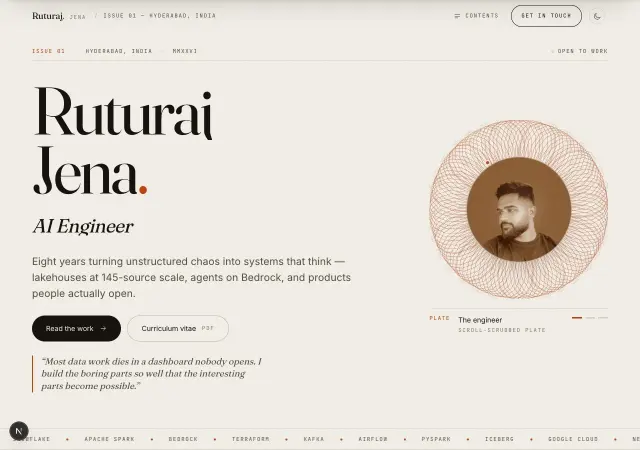
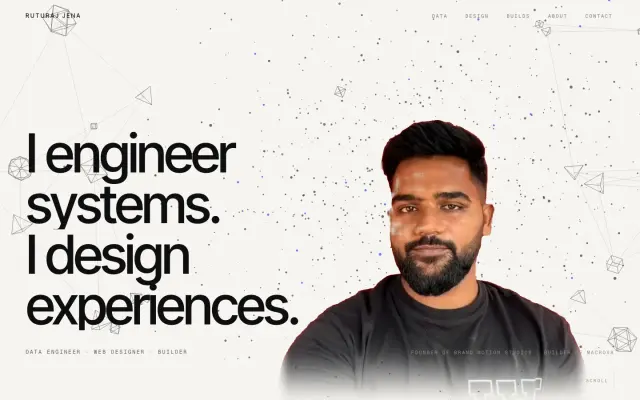
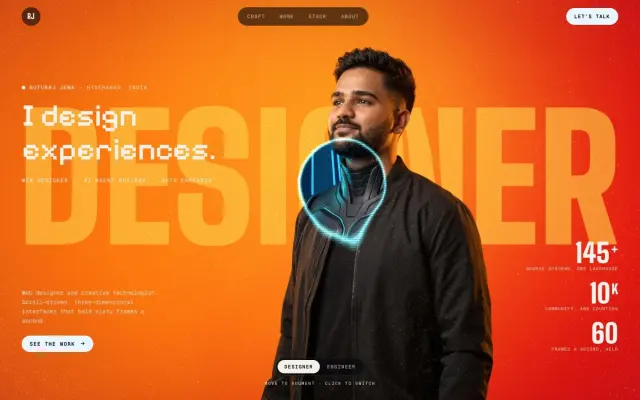
Portfolio sites that refuse the résumé template. No skill bars, no percentage rings, no vertical timeline of job titles, no three-column grid of project cards — the two builds here throw all of it out and argue for their author through structure instead. One is set like a printed magazine: a frontispiece with a live engraving drawn on canvas, a contents page with dot leaders, numbered chapters and a colophon. The other is a single continuous film, where one WebGL stage sits behind the whole page and the scroll position is the playhead.
The hard part of a portfolio is never the layout, it is holding sixty frames a second while doing something nobody else is doing — so both packs ship the mechanism, not just the markup: the rAF loop that writes transforms directly and keeps scrolling out of React state, the shader that keys a portrait plate off its own background, and the scroll wiring that drives them. Take the source and replace the work with yours, or take the prompt and point it at your own name.
Portfolio templates: your questions
What do you get with a Portfolio website template?
A live preview of the finished site, the exact prompt that built it, and, where the design sells it, the complete source code. Some sources here are a single HTML file you open in a browser; the rest are standard projects that run with npm. Buy a single design, or unlock every design in the store with All-Access.
Which Portfolio template should I start with?
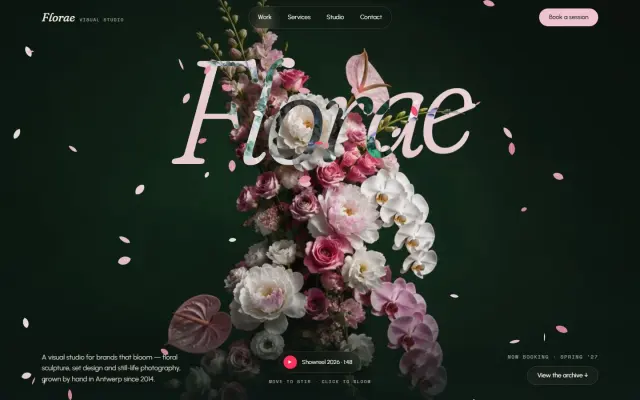
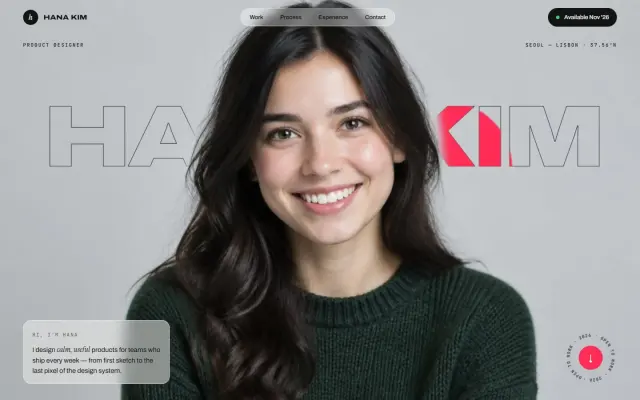
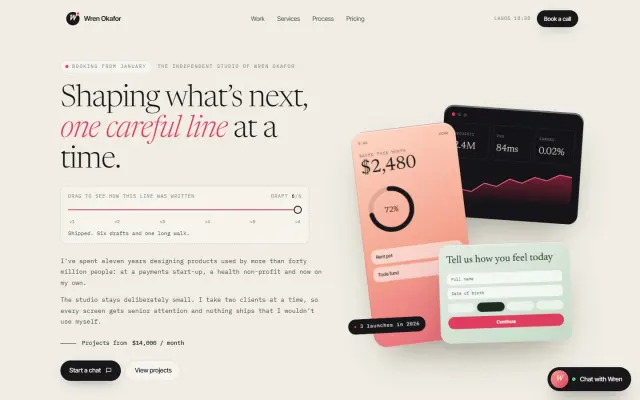
Start with the one whose first screen is closest to the feeling you want, then make it yours. Good places to start: Wren Okafor (Drag a slider through six earlier drafts of the headline, each with its own short critique), Florae (Petals drift across a giant italic wordmark and scatter like a breeze from your pointer; click to burst a bloom) and Hana Kim (A giant outlined name tucked behind the portrait fills crimson wherever your pointer goes).
Is there a free Portfolio website template?
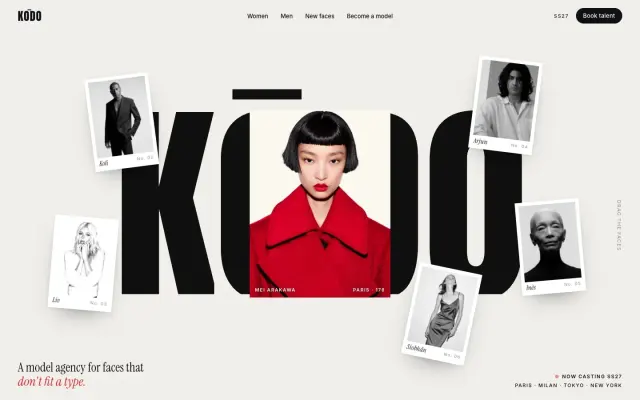
Yes: the prompt for KŌDO is free once you sign in. Copy it into your AI and see what it builds before you buy anything. The source code is never free.
Can I use these Portfolio templates for client websites?
Yes. Every purchase includes a commercial licence: use it in your own projects and in work you deliver to clients, including paid client work, change and rebrand it, and publish the result with no credit needed. What you can't do is resell, share or republish the prompt or the source files themselves.
Do I need to know how to code?
You don't need to code to start. Paste the prompt into a coding agent and it writes the code; to change the words, colours or images, ask it in plain English. The source runs on your computer with a couple of standard commands, listed on each design's page.