Automotive website templates
Car and hypercar pages in the language manufacturers actually use: a locked camera, a body panel rotating under studio light, specifications that assemble as you scroll. Built for a launch page or a configurator entry point, not for a dealership inventory list.
The 3D and video builds here both ship complete — model loading, scroll-linked camera moves, and the spec choreography — so the work is swapping the car, not rebuilding the stage.

Automotive templates: your questions
What do you get with an Automotive website template?
A live preview of the finished site, the exact prompt that built it, and, where the design sells it, the complete source code. Some sources here are a single HTML file you open in a browser; the rest are standard projects that run with npm. Buy a single design, or unlock every design in the store with All-Access.
Which Automotive template should I start with?
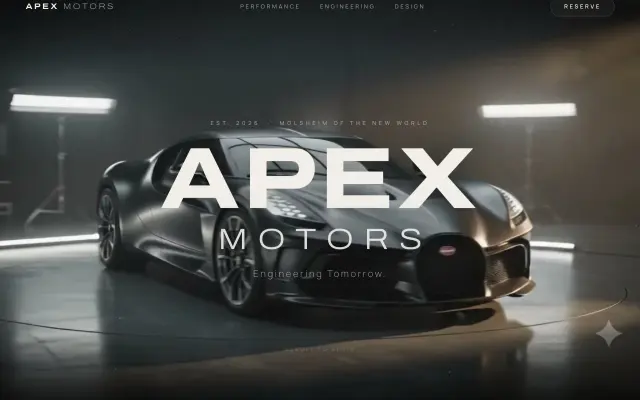
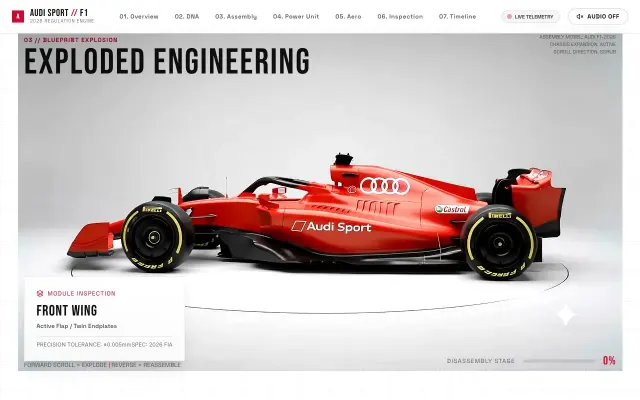
Start with the one whose first screen is closest to the feeling you want, then make it yours. Good places to start: Violet Hypercar Landing (Futuristic automotive landing page), APEX Motors Hypercar Website (A cinematic hypercar reveal, directed by your scroll) and Audi Sport F1.
Can I use these Automotive templates for client websites?
Yes. Every purchase includes a commercial licence: use it in your own projects and in work you deliver to clients, including paid client work, change and rebrand it, and publish the result with no credit needed. What you can't do is resell, share or republish the prompt or the source files themselves.
Do I need to know how to code?
You don't need to code to start. Paste the prompt into a coding agent and it writes the code; to change the words, colours or images, ask it in plain English. The source runs on your computer with a couple of standard commands, listed on each design's page.