Haathi Dash — The Elephant Who Never Stops Running
One chase shot on the scrollbar: a baby elephant keeps sprinting while the ground morphs from desert to backwater to snow to a neon monsoon city, with a huge new headline for every world.
A one-page hero for a mobile running game, told as a single film that scroll controls. The elephant keeps the same stride throughout while the world changes under his feet, across 200 WebP frames drawn to a canvas. A real preloader counts decoded frames and loads them coarse to fine, so the scrub works early, and a button appears on slow connections. Then the loader wipes away, the distance ring flies to its corner, and the navigation and level chips pop on. Each of the four worlds has its own huge headline, a short card of game copy, and an accent colour that the navigation, chips and ring all pick up. Headlines are sized from the elephant's measured position in the frame, so they fill the free space on the left and stay clear of him, alternating between top and bottom. The distance ring counts up as you scroll in either direction and keeps climbing when you stop, and the last screen reads the distance you ran into its sentence. On tall screens the frame sits low and extends its own sky to make room for the type. Reduced motion or missing libraries get a plain stack of finished worlds. The game, names, figures and store links are placeholders, and the store buttons show a small notice until you add your own URLs.
Paste the prompt intoClaude CodeCursorAntigravityWindsurfLovableBoltv0
What's in the source
214 files — one self-contained page that opens in a browser, with the prompt that made it.
haathi-dash/
├─ media/  209 files
├─ css/  1 file
├─ js/  1 file
├─ PROMPT.md
├─ index.html
└─ … 1 more
How to run this
Works the same on Windows, macOS and Linux. No prior setup beyond Node.js, and nothing to configure — the pack runs as-is.
- Built with
- HTML, CSS & JavaScript
- Requires
- Node.js 18 or newer
- Opens at
- http://localhost:3000
Note — No build step: index.html, css/style.css and js/main.js, with the 200 film frames in media/frames/. GSAP, Lenis and the fonts load from CDNs, so it needs an internet connection. Serve the folder rather than double-clicking index.html, so the frames load over http.
✦ Or let an AI agent set it up for you
Already using Claude Code, Antigravity, Cursor or Windsurf? Unzip the pack, open the folder as a project, and just ask:
Install the dependencies and run this project, then give me the URL
It reads the README included in the pack, runs the right commands for this project, and sorts out anything that trips along the way. You still need Node.js installed (step 1 below) — everything after that it can handle.
Or run it yourself
- 1
Install Node.js, if you don't have it
Download the LTS build from nodejs.org and run the installer — on Windows and Mac it handles everything. Mac users with Homebrew can run
brew install nodeinstead.To check it worked, run
node --version. It should print a number like v22.11.0. - 2
Unzip the pack, then open a terminal inside the folder
Windows: open the unzipped folder in File Explorer, click the address bar, type
powershelland press Enter.Mac: press Cmd+Space, type terminal, press Enter. Then type
cd(with a trailing space) and drag the unzipped folder onto the terminal window — it fills in the path for you. Press Enter. - 3
Start it
Run
npx serve .— npx downloads the little server on demand, so there is nothing to install first.Then open http://localhost:3000 in your browser. Leave the terminal open while you use it — closing it stops the site. Press Ctrl+C in the terminal to stop.
+ − If something goes wrong
- “npm is not recognised” / “command not found: npm”
- Node.js isn’t installed, or the terminal was open before you installed it. Close the terminal, open a new one, and try again.
- “Port 3000 is already in use”
- Something else is running there — often a previous copy of this site. Close the other terminal, or stop it with Ctrl+C.
- The page loads but images or video are missing
- Make sure you ran the command from inside the unzipped Haathi Dash — The Elephant Who Never Stops Running folder itself, not the folder containing it.
Still stuck? Email us and we'll get it running with you.
Questions about Haathi Dash
Who is Haathi Dash for?
Haathi Dash is for designers, developers and agencies who want a site that moves like film and doesn't look like a template. Ask your AI to make it about your brand and it rewrites the copy, colours and images around the same build.
What is Haathi Dash built with?
Haathi Dash is built with GSAP and HTML/CSS/JS. The source is a single HTML file: open it in a browser and it runs, with no build step. The prompt is written for coding agents such as Claude Code, Cursor and Antigravity.
Can I use Haathi Dash for a client project?
Yes. Every purchase includes a commercial licence: use it in your own projects and in work you deliver to clients, including paid client work, change and rebrand it, and publish the result with no credit needed. What you can't do is resell, share or republish the prompt or the source files themselves.
Should I buy the prompt or the source?
The prompt is the written brief that built the design: paste it into a coding agent such as Claude Code, Cursor or Antigravity and it builds the site on your computer, which you then refine. The source is the finished project itself, ready to run exactly as the preview shows. The source always includes the prompt.
Will the prompt give me exactly the preview?
Not exactly, and that's expected. A prompt is a starting point: AI output varies between tools and between runs, so plan to refine spacing, timing and copy. The source pack is the preview itself, finished and running.
Can I get a refund?
Single designs are final once delivered, unless something is wrong on our side: a broken or empty download, a pack that isn't what its page describes, or a double charge. Then email support@brandmotion.in with your receipt and we fix it or refund it. The full terms are on the refunds page.
More like this
Browse the store →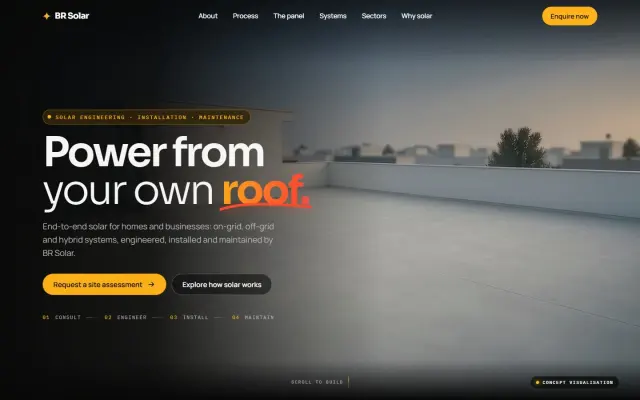 Premium
BR Solar — The Rooftop That Builds Under Your Scroll
One rooftop in one locked-off shot: scroll and the layout lines draw, the frames rise, the panels land row by row, and the sun comes up on a working array. Nothing on the page plays on its own.
 Premium
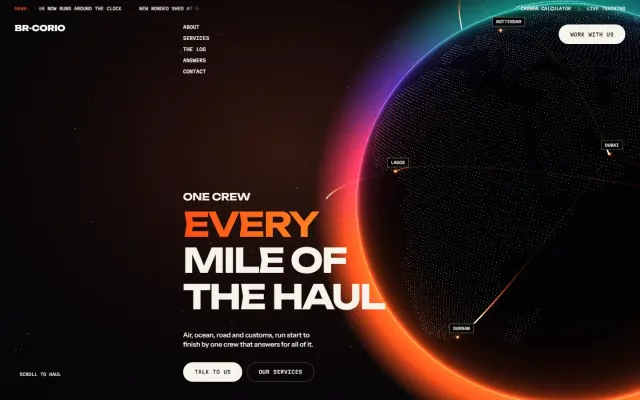
BR-Corio — One Camera From the Yard to the Open Sky
One unbroken camera move: a reach stacker loads a truck, the truck takes the road to the quay, the camera climbs over a container ship, and a freighter takes over above the clouds.
 Premium
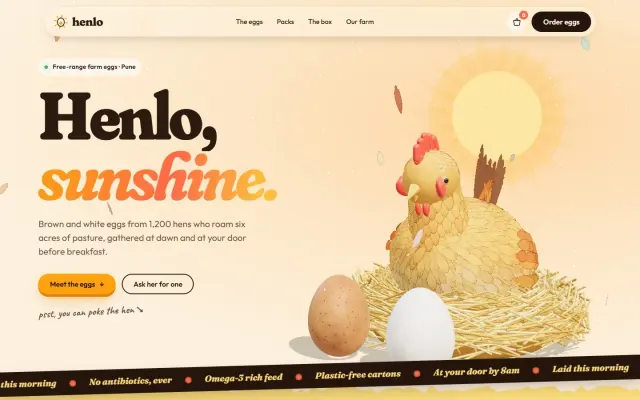
Henlo — The Egg That Travels the Whole Page
A feathered 3D hen lays two eggs, and you follow them all the way down: they crack open, seal up, ride beside the shop and drop into a carton that seals itself.