BM-Flux — Fast Fashion Drop Shopify Theme
A Shopify theme for drop culture: a 3D lookbook that bends when you spin it, a fit that turns as you scroll, and an outfit builder that bags the whole look in one tap.
A complete Shopify Online Store 2.0 theme for a fast-fashion label that sells in weekly drops, loud and quick on a white studio ground with acid lime, hot pink and cobalt. The hero is a WebGL lookbook: six on-model images hang on a slowly turning cylinder behind giant DROP 07 type, drag or scroll spins it with inertia, and the faster it turns the more the planes bend and split into RGB, with the front look's name and price and a live countdown chip. A scroll-scrubbed film orbits a model on a turntable under pink and lime light, with a spec card for the jacket and a Front / Side / Back / Look rail. The Build the fit tool lets a shopper pick a top, a bottom and an extra, shows the total and the saving on the full fit, and adds every piece to the cart in one request. Then a pinned horizontal drop rail whose cards wipe to a new colour on hover, a slogan marquee, an editorial spread and a product grid. Underneath it is a working store: every section has Theme Editor settings and finished sample content until you pick your own products, plus an Ajax cart drawer, product pages with swatches, collection, search, cart, account and password pages. Three.js, GSAP and Lenis are bundled into the theme, so it runs on Shopify alone, and it previews offline with a sample catalogue before you have a store.
Paste the prompt intoClaude CodeCursorAntigravityWindsurfLovableBoltv0
What's in the source
187 files — the finished project, ready to run with npm install and npm run dev.
bm-flux-shopify-theme/
├─ theme/  181 files
├─ preview/  2 files
├─ README.md
├─ package.json
└─ … 2 more
How to run this
Works the same on Windows, macOS and Linux. No prior setup beyond Node.js, and nothing to configure — the pack runs as-is.
- Built with
- Shopify theme (Liquid)
- Requires
- Node.js 18 or newer
- Opens at
- http://localhost:3000
Note — A Shopify theme, so there is no framework build: npm run preview renders the real Liquid files in theme/ on a local server with a sample catalogue, which is how to see it without a store. To put it on your store, upload the included theme zip under Online Store → Themes → Add theme, or install the Shopify CLI and run npm run push to upload theme/ as an unpublished theme. The README lists the products and collections to pick in the theme editor after uploading.
✦ Or let an AI agent set it up for you
Already using Claude Code, Antigravity, Cursor or Windsurf? Unzip the pack, open the folder as a project, and just ask:
Install the dependencies and run this project, then give me the URL
It reads the README included in the pack, runs the right commands for this project, and sorts out anything that trips along the way. You still need Node.js installed (step 1 below) — everything after that it can handle.
Or run it yourself
- 1
Install Node.js, if you don't have it
Download the LTS build from nodejs.org and run the installer — on Windows and Mac it handles everything. Mac users with Homebrew can run
brew install nodeinstead.To check it worked, run
node --version. It should print a number like v22.11.0. - 2
Unzip the pack, then open a terminal inside the folder
Windows: open the unzipped folder in File Explorer, click the address bar, type
powershelland press Enter.Mac: press Cmd+Space, type terminal, press Enter. Then type
cd(with a trailing space) and drag the unzipped folder onto the terminal window — it fills in the path for you. Press Enter. - 3
Install the dependencies
Run
npm installOne-time, and takes roughly 30–60 seconds. It creates a node_modules folder — that's expected, and it's why the zip doesn't ship one.
- 4
Start it
Run
npm run previewThen open http://localhost:3000 in your browser. Leave the terminal open while you use it — closing it stops the site. Press Ctrl+C in the terminal to stop.
+ − If something goes wrong
- “npm is not recognised” / “command not found: npm”
- Node.js isn’t installed, or the terminal was open before you installed it. Close the terminal, open a new one, and try again.
- “Port 3000 is already in use”
- Something else is running there — often a previous copy of this site. Close the other terminal, or stop it with Ctrl+C.
- The page loads but images or video are missing
- Make sure you ran the command from inside the unzipped BM-Flux — Fast Fashion Drop Shopify Theme folder itself, not the folder containing it.
- npm install shows warnings
- Warnings (as opposed to errors) are normal and safe to ignore. Only a message starting with ERR! needs attention.
Still stuck? Email us and we'll get it running with you.
Questions about BM-Flux
Who is BM-Flux for?
BM-Flux is for online shops and product brands and fashion labels, and for the designers, developers and agencies who build their sites. It's a foundation rather than a site for one business: ask your AI to make it about yours and it rewrites the copy, colours and images around the same build.
What is BM-Flux built with?
BM-Flux is built with Three.js, GSAP and video scrubbing. The source is a Shopify theme (Liquid) project: run npm install, then npm run preview, and it opens locally exactly as the preview shows. The prompt is written for coding agents such as Claude Code, Cursor and Antigravity.
Can I use BM-Flux for a client project?
Yes. Every purchase includes a commercial licence: use it in your own projects and in work you deliver to clients, including paid client work, change and rebrand it, and publish the result with no credit needed. What you can't do is resell, share or republish the prompt or the source files themselves.
Should I buy the prompt or the source?
The prompt is the written brief that built the design: paste it into a coding agent such as Claude Code, Cursor or Antigravity and it builds the site on your computer, which you then refine. The source is the finished project itself, ready to run exactly as the preview shows. The source always includes the prompt.
Will the prompt give me exactly the preview?
Not exactly, and that's expected. A prompt is a starting point: AI output varies between tools and between runs, so plan to refine spacing, timing and copy. The source pack is the preview itself, finished and running.
Can I get a refund?
Single designs are final once delivered, unless something is wrong on our side: a broken or empty download, a pack that isn't what its page describes, or a double charge. Then email support@brandmotion.in with your receipt and we fix it or refund it. The full terms are on the refunds page.
More like this
Browse the store →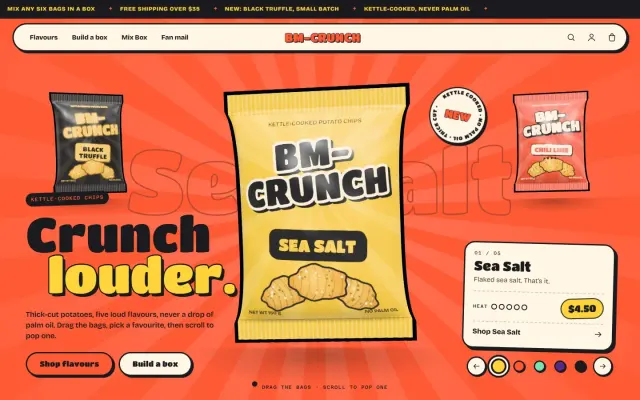 Premium
BM-Crunch — Snack Brand Shopify Theme
A loud, joyful Shopify theme for a chip brand: puffy 3D bags you spin through by flavour, a chip that snaps as you scroll, and a build-a-box that fills itself.
 Premium
BM-Stride — Sneaker Brand Shopify Theme
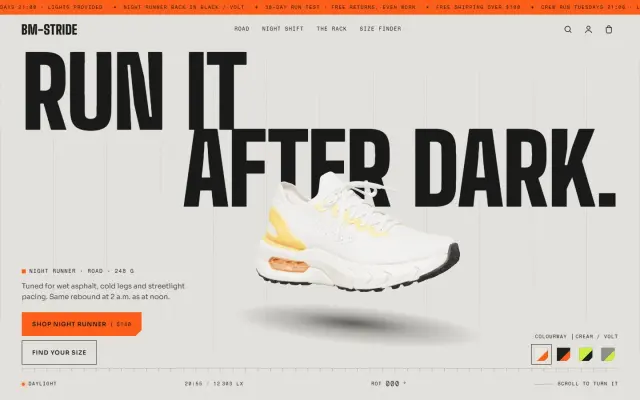
A night-running Shopify theme: a real 3D sneaker that turns through 360° as you scroll, a shoe that lands in a puddle, and a size finder that adds the right size.
 Premium
BR-ICE — Real Milk, Zero Sugar, Blown Apart
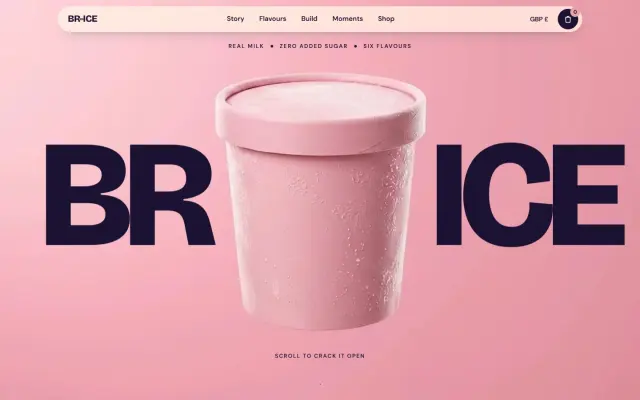
Scroll and the pint cracks open while 3D sprinkles fly out of the screen — then six cones explode on their own colours and you build your own in 3D.