ALCOVE — Interior Studio, Before and After
A white model of an apartment lifts off the studio table, its furniture drops in and the real materials sweep across it in Three.js, then five rooms wipe from before to after as you scroll.
A home page for an interior architecture studio, told in two moves. First, a Three.js hero built entirely in code: a white foam model of an apartment sits on the studio's oak table among travertine, walnut, terrazzo, brass and fabric samples. Scrolling lifts it off the table, drops the furniture into all five rooms piece by piece, then a warm line sweeps across the model and turns foam into real oak floors, terrazzo, travertine, walnut joinery and linen, and finally the light goes to dusk and the lamps come on inside the rooms. "Every home has a before" becomes "We design the after". Then five rooms, each a pinned stage: the frame opens to full bleed, a line crosses the photo from right to left and uncovers the finished room while a site-day counter runs, red notes mark what was found on the first visit and brass notes what was done, and once the line has crossed the visitor drags it back to compare. The before and after of every room share one camera, so the wipe lines up to the window frame, and the notes stay on their objects at any screen size. After that come a statement that lights up word by word, a 21-week process timeline that fills as you scroll, a materials board with hotspots, the studio, three service tiers, client quotes and an enquiry form. Warm sand, limewash, clay red and brass, Fraunces with Inter Tight. Phones get their own framing for the model and their own crops for every room. ALCOVE is fictional and every photograph is generated, so it is ready for any studio's own projects.
Paste the prompt intoClaude CodeCursorAntigravityWindsurfLovableBoltv0
What's in the source
33 files — one self-contained page that opens in a browser, with the prompt that made it.
alcove-interiors/
├─ media/  24 files
├─ _tools/  2 files
├─ js/  2 files
├─ css/  1 file
├─ DESIGN.md
├─ PROMPT.md
├─ index.html
└─ … 1 more
How to run this
Works the same on Windows, macOS and Linux. No prior setup beyond Node.js, and nothing to configure — the pack runs as-is.
- Built with
- HTML, CSS & JavaScript
- Requires
- Node.js 18 or newer
- Opens at
- http://localhost:3000
Note — No build step: index.html, css/style.css and two ES modules in js/ (main and hero), with the room photographs in full and phone sizes in media/. Three.js 0.170 and Lenis load from jsDelivr through an import map, and the fonts from Google Fonts. Serve the folder over http, because ES modules do not run from file://. _tools/export.py (Python 3 with Pillow) turns your own photographs into the media files, and _tools/align.py (with OpenCV) checks that each before lines up with its after.
✦ Or let an AI agent set it up for you
Already using Claude Code, Antigravity, Cursor or Windsurf? Unzip the pack, open the folder as a project, and just ask:
Install the dependencies and run this project, then give me the URL
It reads the README included in the pack, runs the right commands for this project, and sorts out anything that trips along the way. You still need Node.js installed (step 1 below) — everything after that it can handle.
Or run it yourself
- 1
Install Node.js, if you don't have it
Download the LTS build from nodejs.org and run the installer — on Windows and Mac it handles everything. Mac users with Homebrew can run
brew install nodeinstead.To check it worked, run
node --version. It should print a number like v22.11.0. - 2
Unzip the pack, then open a terminal inside the folder
Windows: open the unzipped folder in File Explorer, click the address bar, type
powershelland press Enter.Mac: press Cmd+Space, type terminal, press Enter. Then type
cd(with a trailing space) and drag the unzipped folder onto the terminal window — it fills in the path for you. Press Enter. - 3
Start it
Run
npx serve .— npx downloads the little server on demand, so there is nothing to install first.Then open http://localhost:3000 in your browser. Leave the terminal open while you use it — closing it stops the site. Press Ctrl+C in the terminal to stop.
+ − If something goes wrong
- “npm is not recognised” / “command not found: npm”
- Node.js isn’t installed, or the terminal was open before you installed it. Close the terminal, open a new one, and try again.
- “Port 3000 is already in use”
- Something else is running there — often a previous copy of this site. Close the other terminal, or stop it with Ctrl+C.
- The page loads but images or video are missing
- Make sure you ran the command from inside the unzipped ALCOVE — Interior Studio, Before and After folder itself, not the folder containing it.
Still stuck? Email us and we'll get it running with you.
Questions about ALCOVE
Who is ALCOVE for?
ALCOVE is for interior designers and architecture practices, and for the designers, developers and agencies who build their sites. It's a foundation rather than a site for one business: ask your AI to make it about yours and it rewrites the copy, colours and images around the same build.
What is ALCOVE built with?
ALCOVE is built with Three.js, 3D / WebGL, HTML/CSS/JS and shaders. The source is a single HTML file: open it in a browser and it runs, with no build step. The prompt is written for coding agents such as Claude Code, Cursor and Antigravity.
Can I use ALCOVE for a client project?
Yes. Every purchase includes a commercial licence: use it in your own projects and in work you deliver to clients, including paid client work, change and rebrand it, and publish the result with no credit needed. What you can't do is resell, share or republish the prompt or the source files themselves.
Should I buy the prompt or the source?
The prompt is the written brief that built the design: paste it into a coding agent such as Claude Code, Cursor or Antigravity and it builds the site on your computer, which you then refine. The source is the finished project itself, ready to run exactly as the preview shows. The source always includes the prompt.
Will the prompt give me exactly the preview?
Not exactly, and that's expected. A prompt is a starting point: AI output varies between tools and between runs, so plan to refine spacing, timing and copy. The source pack is the preview itself, finished and running.
Can I get a refund?
Single designs are final once delivered, unless something is wrong on our side: a broken or empty download, a pack that isn't what its page describes, or a double charge. Then email support@brandmotion.in with your receipt and we fix it or refund it. The full terms are on the refunds page.
More like this
Browse the store →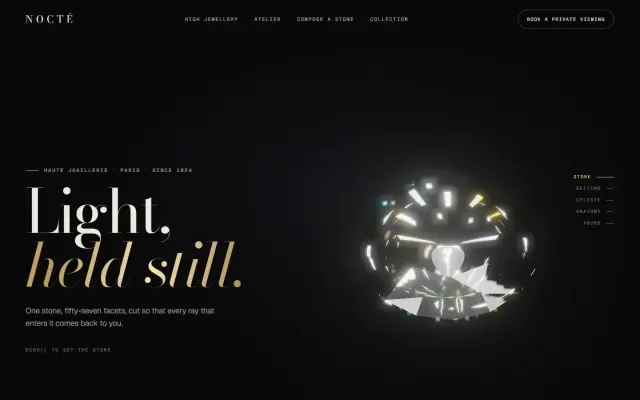 Premium
NOCTÉ — High Jewellery, Taken Apart in 3D
A diamond turns in the dark, a ring flies together around it and explodes into its anatomy with live callouts, then an earring and an emerald pendant do the same, all in real-time Three.js.
 Premium
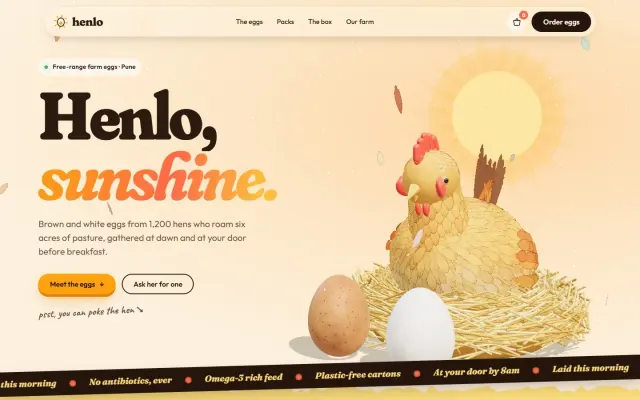
Henlo — The Egg That Travels the Whole Page
A feathered 3D hen lays two eggs, and you follow them all the way down: they crack open, seal up, ride beside the shop and drop into a carton that seals itself.
 Premium
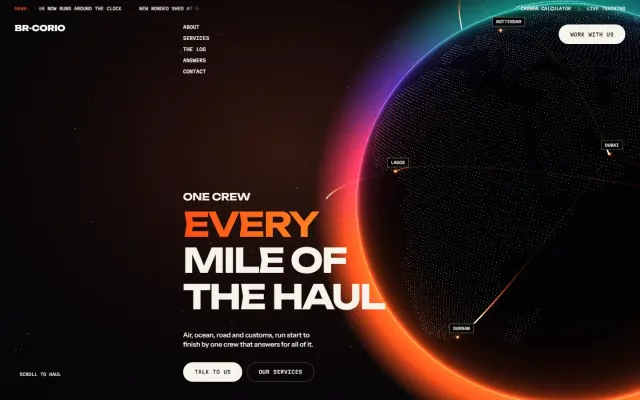
BR-Corio — One Camera From the Yard to the Open Sky
One unbroken camera move: a reach stacker loads a truck, the truck takes the road to the quay, the camera climbs over a container ship, and a freighter takes over above the clouds.