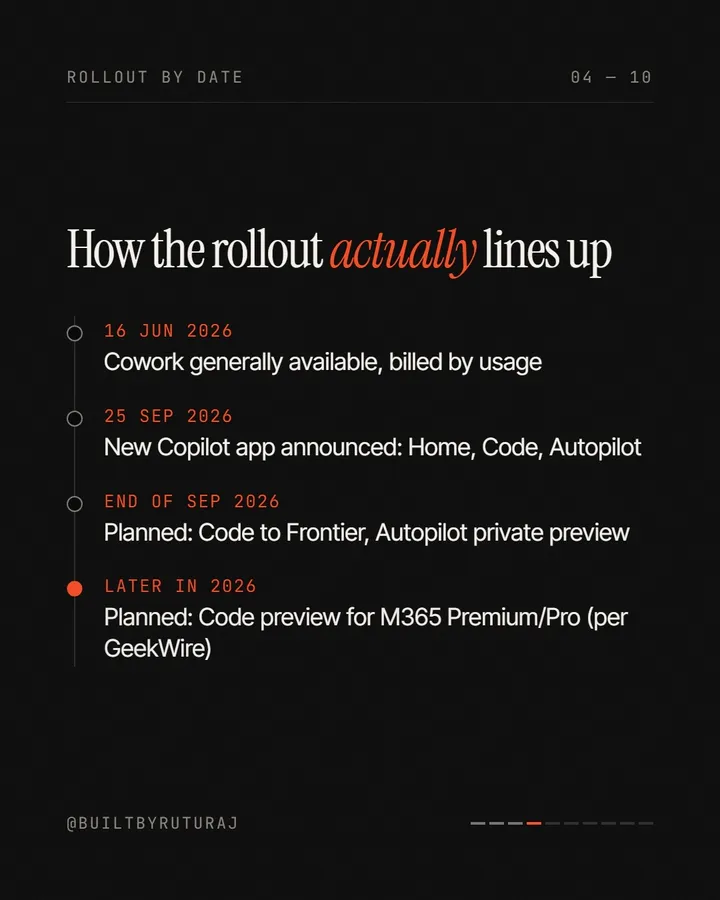
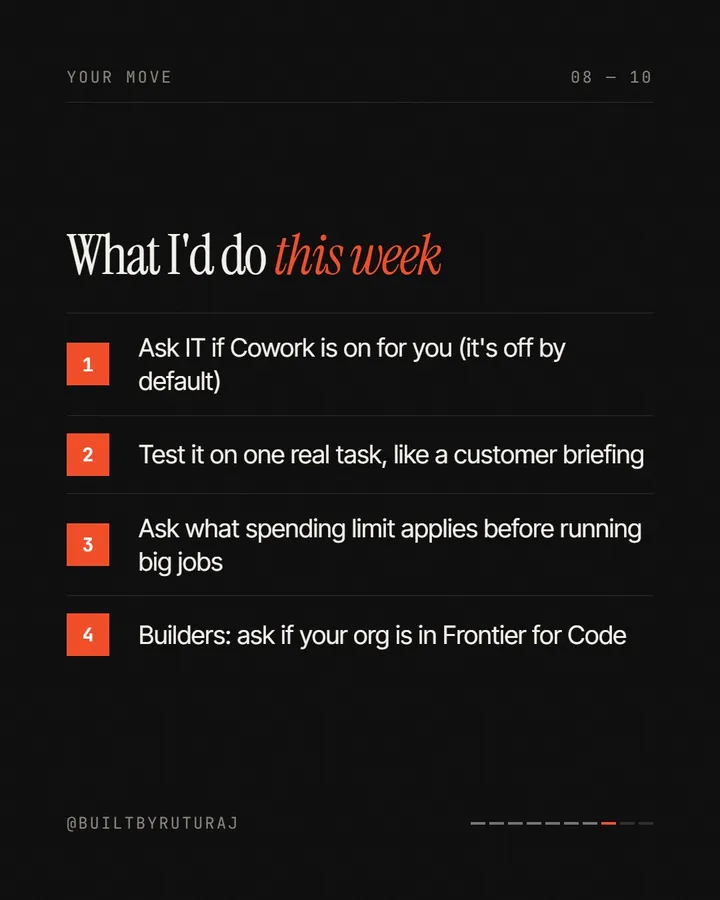
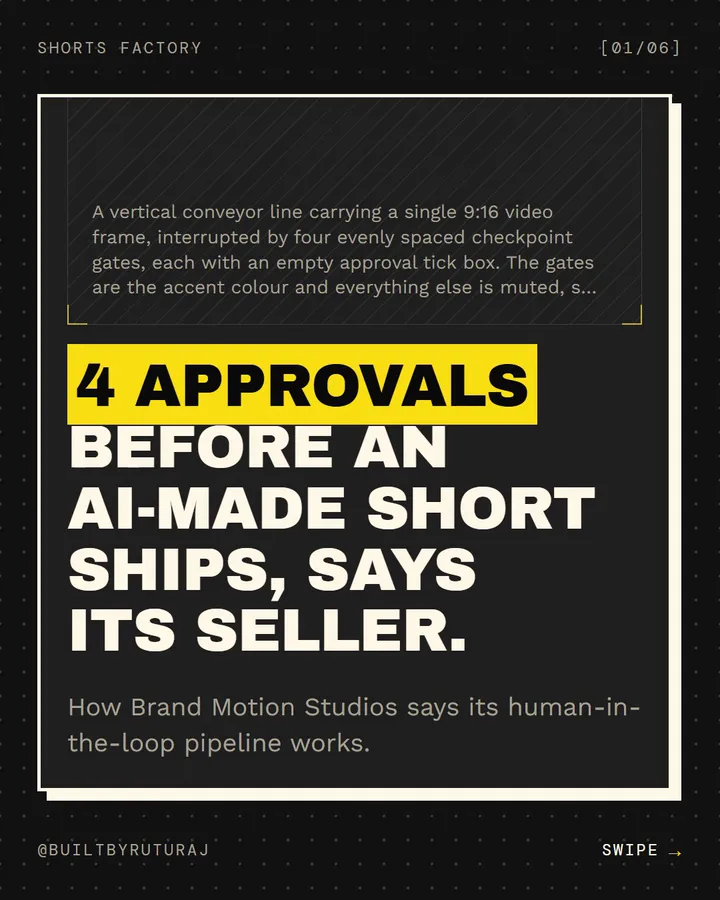
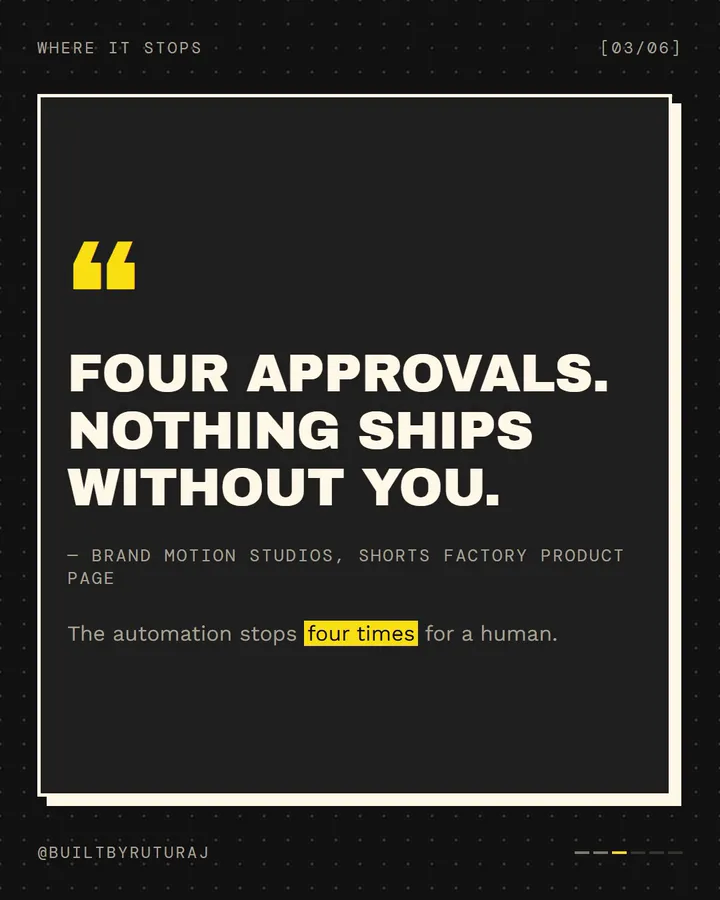
Carousel Factory — AI Studio for Instagram Carousels
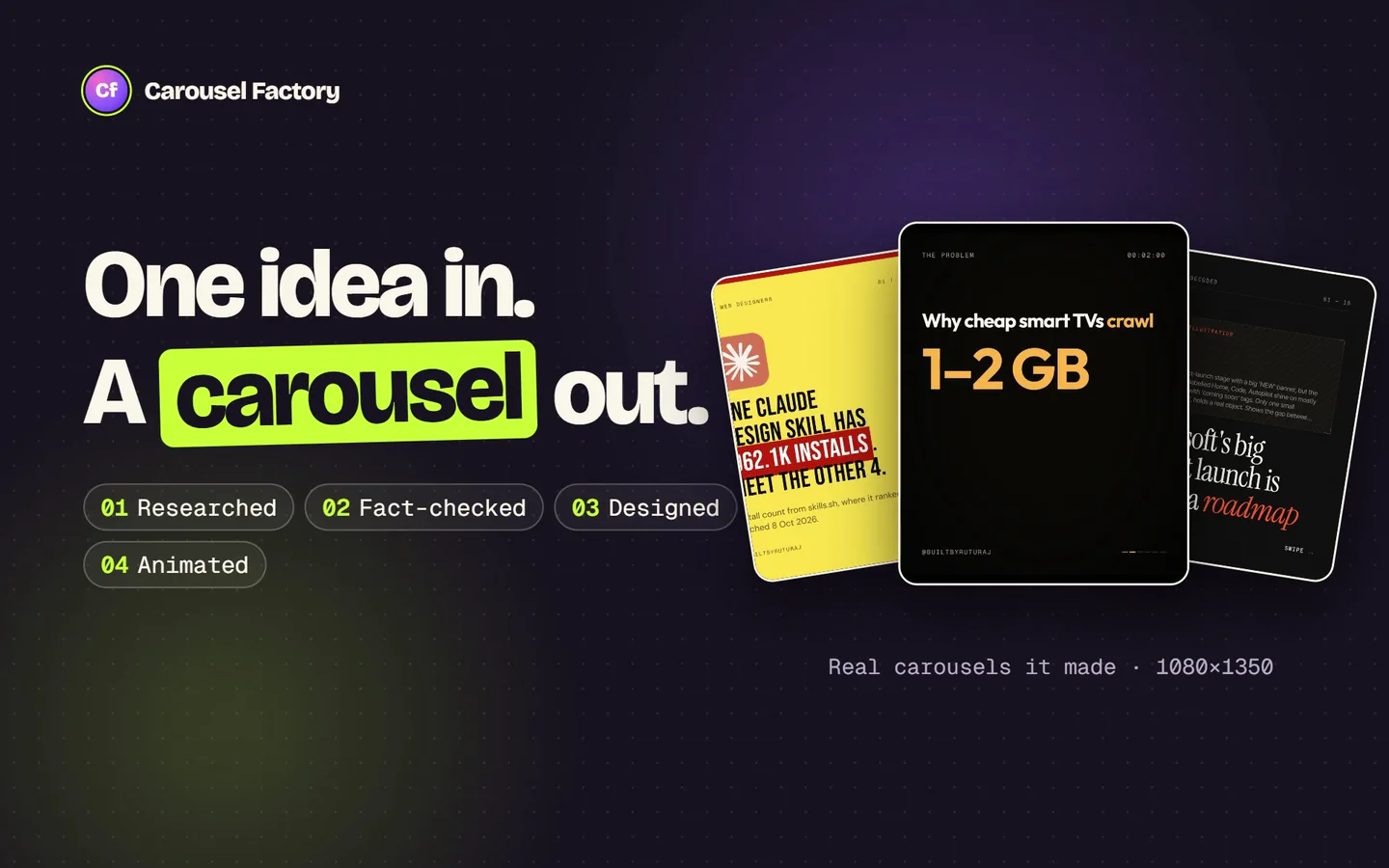
One idea in. A researched, designed, animated carousel out.
The output
Made by Carousel Factory
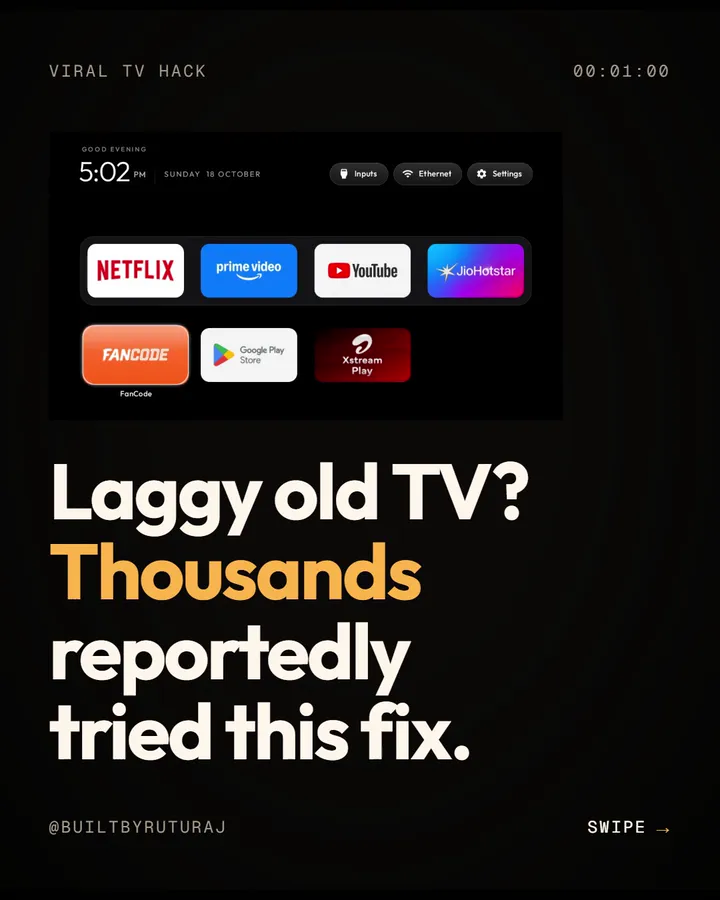
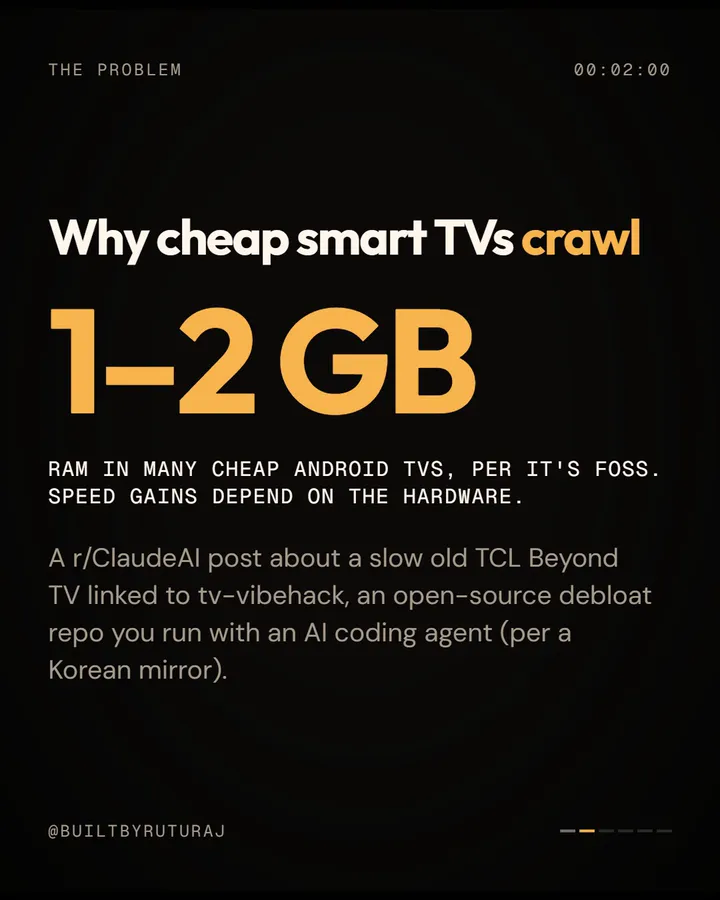
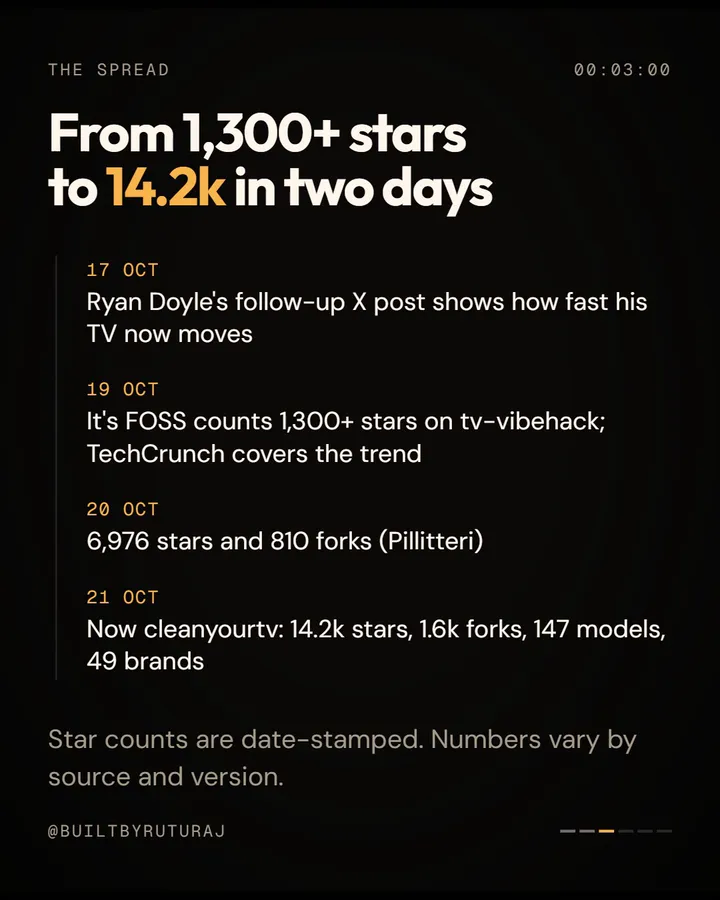
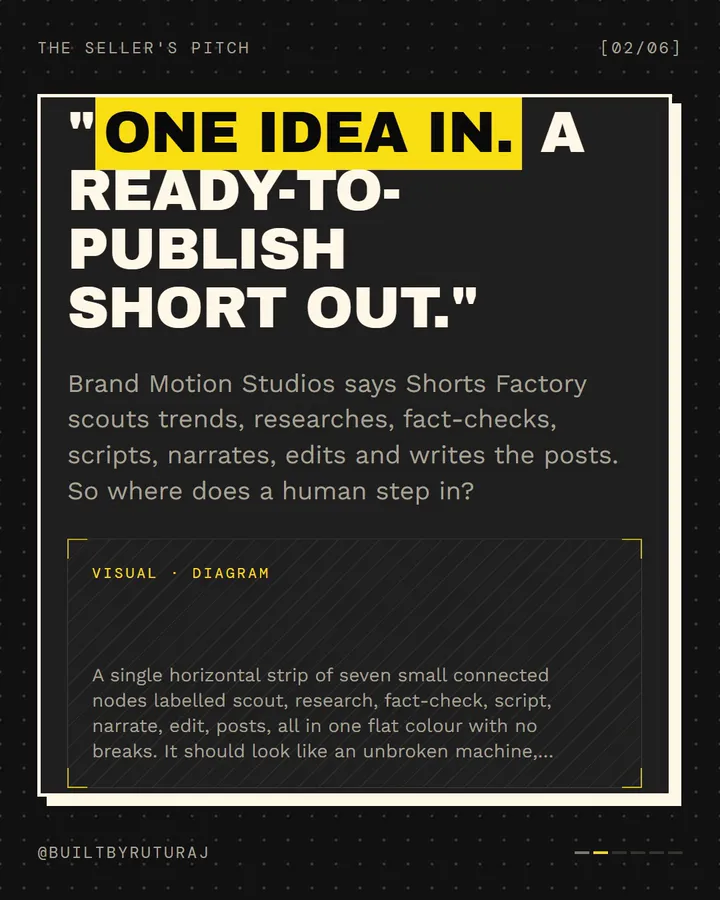
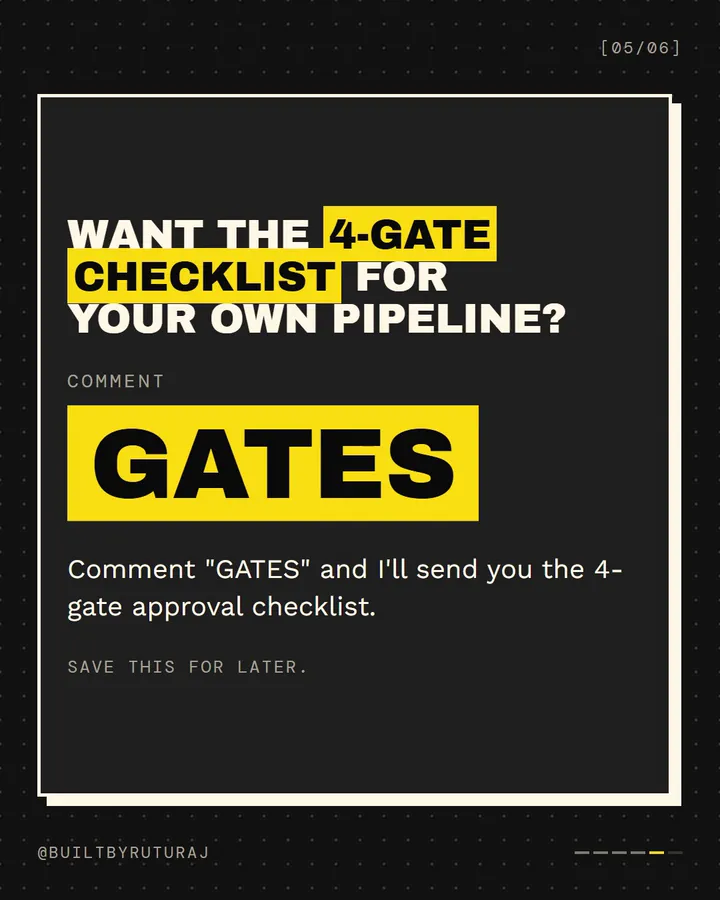
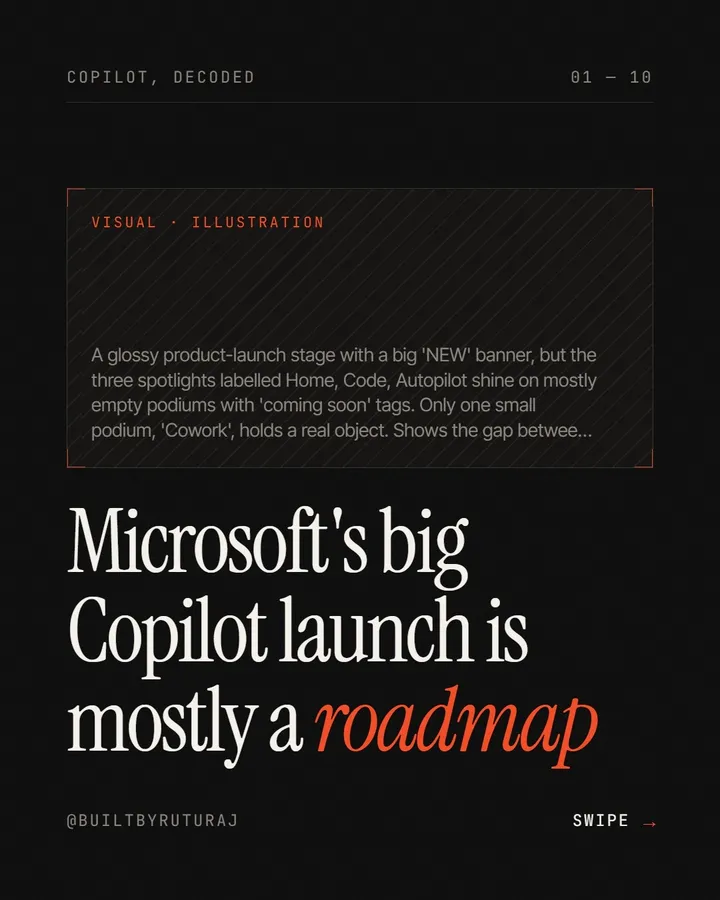
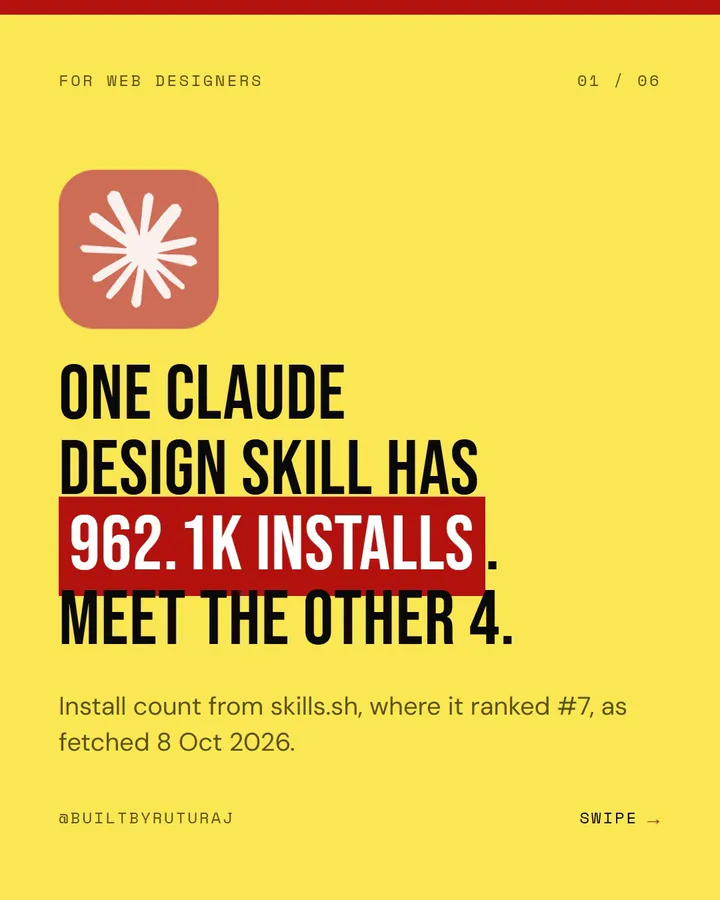
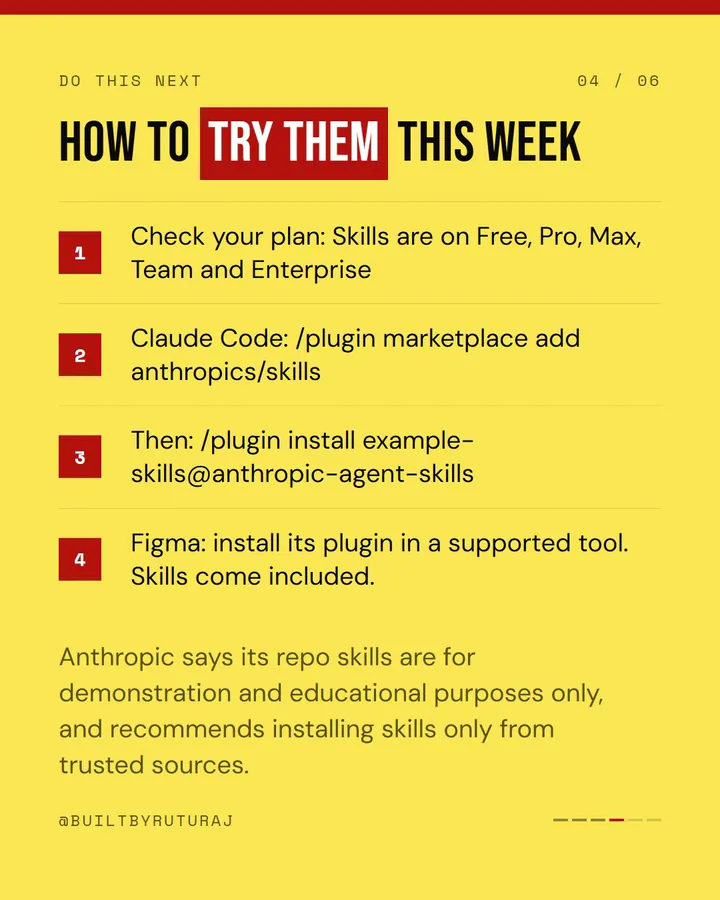
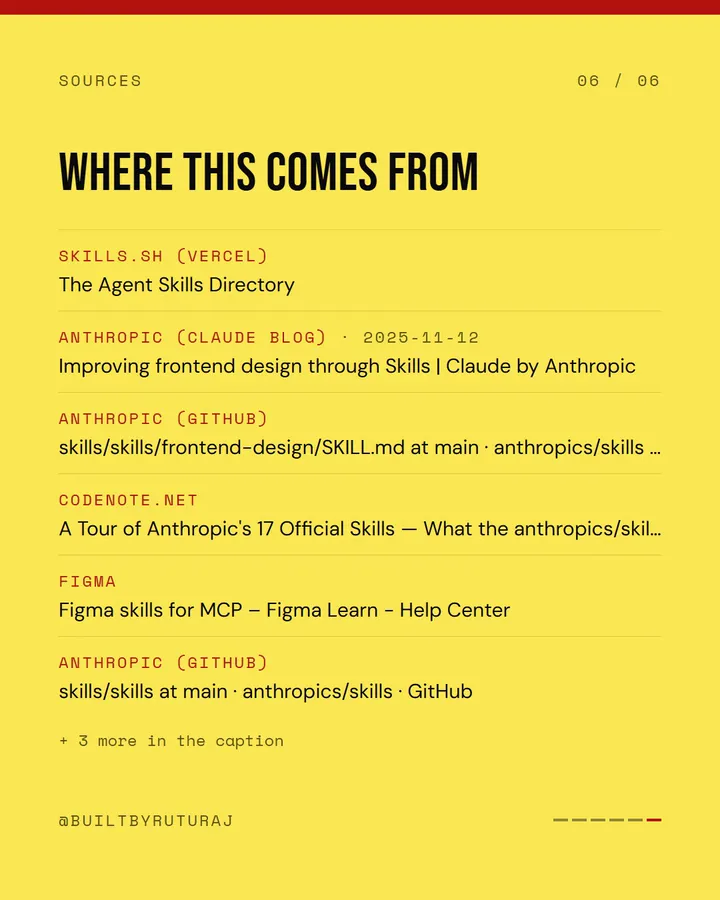
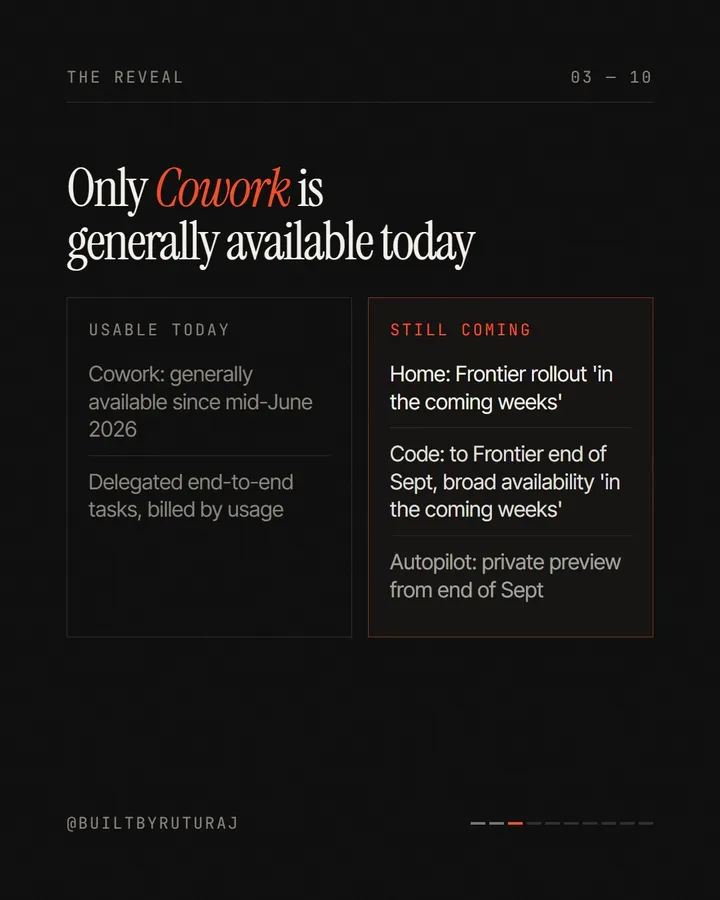
Real slides from carousels it researched, designed and rendered — stills from its own MP4s, unretouched.
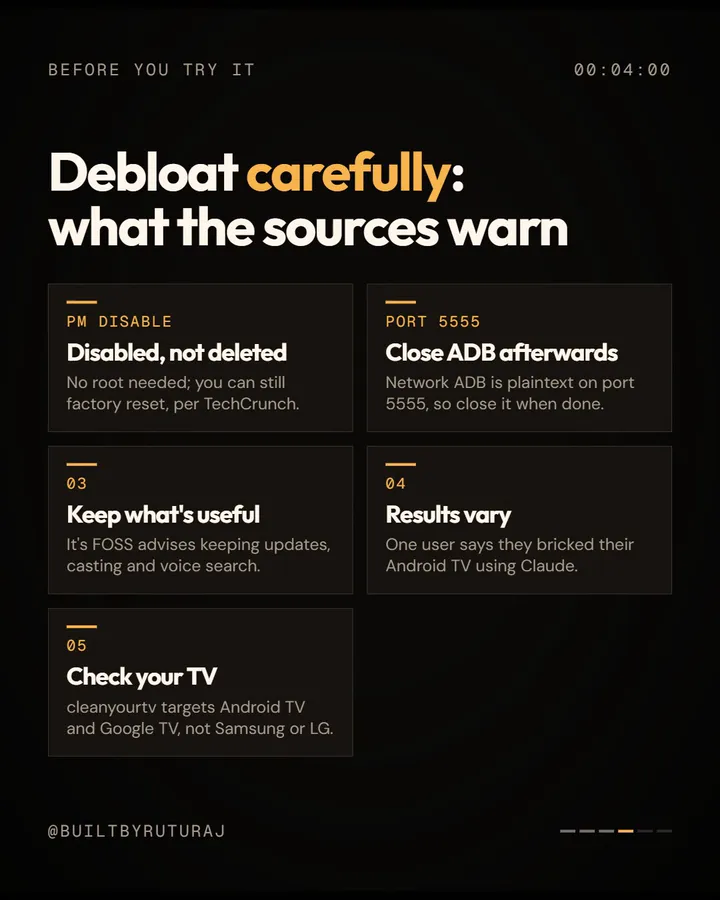
Laggy old TV? · animated, dark
Four approvals · neo-brutal
Claude design skills · poster yellow
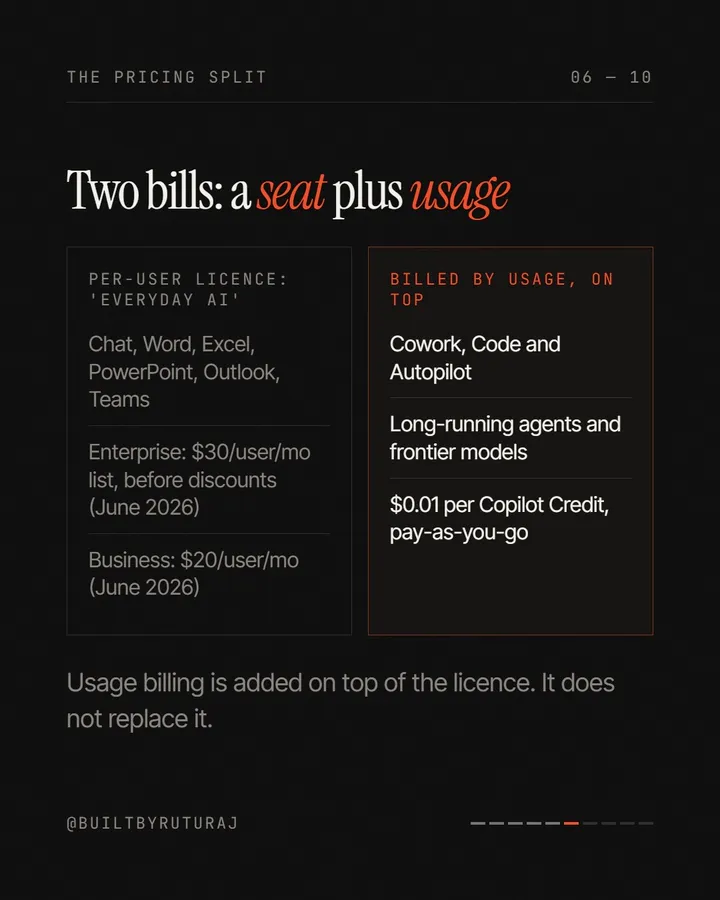
Copilot launch · editorial serif
yourbrand•••
Overview
A studio, not a template
A local studio that turns a topic, a trend, a link or your own script into a finished 1080×1350 Instagram carousel. Specialist Claude agents find the trend, research it, check every claim against the source's own text, pitch the angles and hooks, write the story to your slide count and propose three creative directions on your real slides; you approve at every gate. A full Design Studio — templates, colour schemes in dark and white, font pairings, layout and motion — lets you change anything, and the approved carousel is exported as PNG slides, an editable PowerPoint master, a Canva design and an animated MP4 rendered with HyperFrames or Remotion, with the caption, hashtags and alt text written for it. It can post the carousel to Instagram after your final approval. It runs on your own computer, on your Claude Code login or an Anthropic API key, and your projects, keys and renders are stored there — not with us.
Makes
Instagram carousels at 1080×1350, 3–20 slides: PNG slides, an editable PowerPoint master, a Canva design, and an animated MP4 at 30 fps
Runs on
Your own computer, with Node.js 20.9+ and FFmpeg. Built and tested on Windows 11; macOS uses the same commands.
The one thing you need
Claude Code signed in on a Pro or Max plan, or an Anthropic API key. Every other connection is optional.
Cold install of the pack as downloaded: 336 tests passing, typecheck clean, production build succeeds.
Who hosts it
You do. Your projects, keys and renders stay in its `data/` folder. We never see them.
What it does
Everything Carousel Factory does for you
Research
Facts you can stand behind
The Research Agent searches the live web and breaks what it finds into single claims, each linked to its sources. A source can only come from a real search or fetch result, never from the model's memory. The Fact Check Agent then quotes the evidence word for word, and the app looks for that quote in the page it fetched itself — a claim is only marked verified if the quote is really there.
Every number on a slide must trace to a verified claim
Your own overrides are logged with a note
Control
You approve at every gate
It stops after the research, after the script, before production and at the end. The server enforces those gates, so nothing reaches production without your approval. Any stage can be re-run on its own; the stages after it are flagged for review instead of thrown away, and a slide you lock is never changed by any AI step.
Approve research → script → design → final
Version history: duplicate, compare, restore
Ask the assistant for targeted edits: “make slide 4 more visual”
Design Studio
Every look, yours to change
The Creative Director proposes three directions, rendered with your real slides. Then change anything: 20 design templates, 28 colour palettes each tuned for dark and white, 23 font pairings, 18 layout traits and the motion style. Save a look as your own style and every new carousel can start from it.
Per-slide photo placement, focus point and treatment
Contrast warning below 4.5:1
Charts, cards, flows and timelines drawn on the slide
Motion
Animated, from the same slides
Choose static, animated, hybrid or the director's choice. Each slide animates by what it holds: headlines arrive word by word, numbers count up to the exact value, charts and diagrams draw themselves, the CTA keyword pops. HyperFrames renders it by default and Remotion is built in as a second engine, both from the same slide renderer, so the video matches what you approved.
Live preview before you render
Draft, Standard or Final quality
One MP4 for the carousel, or one per slide
Your own script
Bring a script instead of a topic
Paste notes, a draft or a transcript into Script Studio. Polish & arrange tightens it into slides; Arrange only keeps your words; Exactly as written lays out slides you marked up yourself with a live preview, and no AI reads it. Afterwards every number and quote on the slides is compared with your text without a model, and anything not in your script is flagged on the slide.
Steps become flows, numbers become charts
Nothing is researched or added
Writes in the language of your script
Images
Images it actually looked at
Image Scout reads each slide, gathers openly licensed photos from Openverse or Wikimedia Commons and screenshots of the pages the slides talk about, looks at every candidate and keeps only the ones that show what the slide is about. Upload your own photos and the Image Director places each one on the slide it fits best. Every image carries its licence, and CC BY credits are added to the caption for you.
Your own asset library with recolourable logos
Optional AI images through Higgsfield, cost confirmed first
QA warns about images whose rights aren't confirmed
Publish
Canva, PowerPoint, PNG, MP4 — or straight to Instagram
Production builds an editable PowerPoint master and, with Canva connected, imports it as one 1080×1350 Canva design. The Metadata Agent writes the caption, hashtags, alt text for every slide and a cover title from the approved slides only. After your final approval, it can post the carousel (or the animated cut as a reel) to Instagram through Meta's official API — with one last confirmation that shows the account, the slides and the exact caption.
Caption checked against Instagram's 2,200-character and 5-hashtag limits
Nothing over a limit is cut silently
A Claude Code handoff command for Canva is included too
Discover
Trend Radar finds what to post
The Trend Agent searches for what is gaining momentum in the categories you pick, confirms the dates against sources, and for each trend gives the why-now, content signals, a suggested hook and five to seven angles. Pick one and the carousel starts from it — or ignore it and start from your own idea, link or keyword.
How it works
One line, twelve stations
Every carousel moves down the same line. The diamonds are where it waits for you.
01DiscoverTrends with why-now, sources and angles — or your own idea.Trend Agent
02ResearchSources and single claims, each linked to its sources.Research Agent
◆Verifyyou approveEvery claim given a status with verbatim evidence. You approve the research.Fact Check Agent
04AngleThree angles, each with a thesis and format. You choose one.Content Agent
◆Storyyou approveThe slides, every fact linked to a claim, and five comment-keyword CTAs. You approve the script.Content + CTA Agents
07DesignThree directions on your real slides, plus a static, motion or hybrid recommendation.Creative Director
◆Approvalyou approveThe full creative direction — moodboard, type, colour, sample slides. You approve and produce.
09CanvaAn editable PowerPoint master, imported into Canva as one design.Design Agent
10MotionWhich slides to animate and how; HyperFrames or Remotion renders it.Motion Director
◆QAyou approveA scorecard on research, facts, story, design, mobile and CTA. You give final approval.QA Agent
12ExportCaption, hashtags, alt text, cover title and every file — then publish when you say so.Metadata Agent
What you get
What a finished carousel gives you
Everything to post it, edit it elsewhere, or show where every fact came from.
PNG carousel (.zip)
Every slide at 1080×1350
MP4 — full carousel
1080×1350 · 30 fps · H.264, plus one MP4 per animated slide
Editable PPTX master
Real text boxes, fonts and colours, with the evidence in the speaker notes
Canva design
One editable 1080×1350 design, with Canva connected
Caption · hashtags · alt text · cover title
Written from the approved slides, within Instagram's limits
image-credits.txt
The licence and credit for every image used
Evidence records
Claim, source, URL, date, status, confidence and notes for every fact
Project JSON
The whole project — research, strategy, content, design, motion and QA
Extend and customise
Make it yours
It is the full source, laid out so the parts you will want to change are each in one place. Open the folder in Claude Code or Cursor and ask for the change; these are the files it will touch.
Add a design template
A template is the structure: header, footer, alignment, panels, decoration and image treatment. Copy one and change it — it works in dark and white with every palette and font.
src/lib/design/families.ts
Add your brand palette or fonts
Palettes are five colours tuned for dark and white; font pairings are a display, body and label font. Fonts load on demand, one small stylesheet per family.
src/lib/design/palettes.ts · fontPairs.ts
Change what the agents write
Each agent's instructions, output schema and checks live together. Change the voice, the slide structure, the hook styles or the research depth.
src/lib/server/agents/
Add or move an approval gate
The stage runner owns the order, the gates, invalidation and versions. A stage has an input, a process, a structured output, validation and an approval.
src/lib/server/orchestrator.ts
New animations
The HyperFrames choreography is one GSAP timeline over the real slides; the Remotion scenes are React components.
hyperframes/choreo.js · remotion/src/scenes/
New slide layouts and charts
One renderer draws every slide for the app, PNG export, Canva and both motion engines, so a new layout appears everywhere at once.
Add your own niches in Trend Radar from the app — no code. The scan is shaped by the category and an optional focus line.
Trend Radar → Custom category
Other platforms or sizes
Square posts, Stories or LinkedIn documents are not built in. Every renderer reads one 1080×1350 canvas, so a new size is a real change across the slide renderer and the motion compositions — doable, but plan a session for it.
src/components/slides/SlideRenderer
What's in the source
252 files — the finished project, ready to run with npm install and npm run dev. It ships with instructions your AI coding agent reads before it changes anything.
No asterisks. If something below would change your mind, it should change it now rather than after checkout.
What it is
Complete source code for an app you install and run on your own computer — the same build shown in the recording above.
A production line of Claude agents that research, fact-check, write, direct and review, with your approval at four gates and every step re-runnable.
A full design and motion studio — templates, palettes, fonts, layouts, per-slide editing and two video engines — that also works with no AI at all, from your own script.
What you can do with it
Run your own accounts and publish and monetise every carousel it makes.
Run it for clients as your agency's production line, on your own machine.
Change anything — the agents, the templates, your brand palette and fonts, the gates, the animations. It is the full source.
Skip the AI when you want: Exactly as written in Script Studio, Start from a template in the Design stage, and the whole Design Studio call no model.
What it is not
Not a hosted app. There is no account with us and nothing to log in to. It runs on your computer, which has to be on while a carousel is being made. Jobs run inside the app, so restarting it stops a running stage — run it again.
Not free to run. The agents need Claude: either Claude Code on a Pro or Max plan, where usage counts against your plan's limits, or an Anthropic API key billed per token. A standard research run is about 12 web searches plus the fact check. Higgsfield images cost Higgsfield credits, and the app shows the cost before it generates anything.
Not for hosting others on your Claude login. Running the agents on your Claude Code subscription is for your own work. To offer it as a service to other people, use an API key.
Not a substitute for your judgement. The fact check reduces mistakes; it does not remove them. Claims that need context carry safe wording, but you approve the research and the final carousel. Carousels built from your own script are not fact-checked at all — QA says so.
Not an auto-poster. Nothing is published until you give final approval and confirm the post. Instagram publishing needs a Business or Creator account and a Meta app token, and Meta's API posts 2–10 slides per carousel. Mixed carousels with video slides are not supported yet — the animated version goes out as a reel.
Not other formats out of the box. It makes Instagram carousels at 1080×1350. Stories, square posts and LinkedIn documents need code changes (see Make it yours).
Not equally tested everywhere. It was built and tested on Windows 11. macOS runs the same Node.js, FFmpeg and Chrome toolchain but has had less use. Run one copy at a time: jobs stream from a single server.
Not a licence for other people's images. Openverse images carry their licences and credits are handled for you. Screenshots and images from other sites are marked “check rights”, and QA warns until you confirm you may publish them.
Not for resale as code, and not a support contract. You can't resell or redistribute the source itself. The pack is sold as it is: anything broken or missing we fix, but setup help beyond this guide and custom features are separate studio work.
Setup guide
From zip to your first carousel
Five parts. Do Part 1 or Part 2 for your computer, then Part 3 and Part 4. Part 5 is optional. The same steps ship in the pack as `SOURCE-PACK-README.md`.
Part 1 · Windows
Install it on Windows
About 15 minutes
Two tools and two commands. At the end the app is open in your browser on its first-time setup.
Install Node.js
Download the LTS version from nodejs.org and run the installer with the defaults. Carousel Factory needs Node.js 20.9 or newer.
Open a new Command Prompt and check it — this should print a version number:
node --version
Install FFmpeg
The animated version is encoded with FFmpeg. Windows 10 and 11 include winget, so in a Command Prompt:
winget install Gyan.FFmpeg
Check FFmpeg in a new window
Close the Command Prompt and open a new one, so it picks up the new PATH, then check it:
ffmpeg -version
Unzip the pack and open a terminal in the folder
Unzip to a short path such as C:\Studio\carousel-factory. Open the folder, click the address bar, type cmd and press Enter.
Install and start it
npm install downloads the packages, about a gigabyte, the first time only. Then start the app:
npm install
npm run dev
Open it
Go to http://127.0.0.1:3000. Use 127.0.0.1 rather than localhost if you plan to connect Canva. With no projects yet it opens on the first-time setup — carry on with Part 3.
Part 2 · macOS
Install it on a Mac
About 15 minutes
The same two tools, installed the Mac way. Skip this part if you did Part 1.
Install Node.js
Download the LTS installer from nodejs.org, or with Homebrew run brew install node. Check it in Terminal:
node --version
Install FFmpeg
With Homebrew (from brew.sh):
brew install ffmpeg
Unzip the pack and open Terminal in the folder
Double-click the zip, then right-click the folder in Finder and choose New Terminal at Folder.
Install and start it
The first install downloads about a gigabyte of packages.
npm install
npm run dev
Open it
Go to http://127.0.0.1:3000. It opens on the first-time setup.
Part 3
Connect the agents
About 5 minutes
The first-time setup walks through six short steps: your name and Instagram handle, the theme, the agent engine, your default carousel, the optional connections, and a tour. The one that matters is the engine.
Option A: your Claude Code login (no API key)
If you have a Claude Pro or Max plan, install Claude Code and sign in once. On Windows, in PowerShell:
irm https://claude.ai/install.ps1 | iex
On a Mac, in Terminal
Then run claude and type /login to sign in. Carousel Factory finds the login by itself.
curl -fsSL https://claude.ai/install.sh | bash
Option B: an Anthropic API key
Create a key at console.anthropic.com and paste it in the setup's engine step (or later in Settings → Agents). It is stored in data/settings.json on your computer. You can also put it in a .env.local file as ANTHROPIC_API_KEY.
Press Test connection
Auto, the default, uses a key when there is one and your Claude Code login otherwise, and the panel says which it is using. Test connection makes one real call and shows the model that answered.
Set your default carousel
Slide count (3–20), static or animated, dark or white, and the templates, palette and fonts the Creative Director may use. Every new carousel starts from these; you can change them per carousel.
Part 4
Make your first carousel
About 20 minutes, most of it waiting
From a topic to a finished file. The machine works between the gates; each gate takes you a minute or two.
Start from the Command Center
Type a topic, paste a link or a keyword, or press Discover trends. Choose the slide count, format and mode under the box, then Create from idea.
Approve the research
Read the claims and their evidence. Change any status you disagree with (a note is required), then Approve research.
Pick an angle and a hook, then approve the script
Edit any slide directly; numbers that don't trace to a verified claim are flagged as you type. Approve script when it reads right.
Choose a direction and produce
Pick one of the three directions — or Start from a template — tune it, and press Approve & Produce.
Render the motion, check QA, export
In Motion, preview and render with HyperFrames (the first Remotion render, if you use it, downloads a headless Chrome). Review the QA scorecard, give final approval, and download the PNG zip, the MP4 and the caption from Export.
Or skip research entirely
Open Script Studio, choose *Exactly as written*, press Use the example and then Build my carousel. No model reads it, so this works before any engine is connected.
Part 5 · optional
Canva, Instagram and images
10–20 minutes each
Each connection has its own guided screen in Settings. None is needed to make and download carousels.
Canva Connect
Create an integration at canva.com/developers with the scopes design:content:write design:content:read design:meta:read asset:read asset:write profile:read and the redirect URL http://127.0.0.1:3000/api/canva/callback. Put the client id and secret in .env.local as CANVA_CLIENT_ID and CANVA_CLIENT_SECRET, restart, and press Connect Canva in Settings.
Instagram
You need a Business or Creator account. At developers.facebook.com create a Business app, add the Instagram product, add your account under API setup with Instagram business login, and generate a token with instagram_business_basic and instagram_business_content_publish. Paste it in Settings → Instagram and press Connect — it is checked before it is saved, and renewed automatically.
Instagram fetches images itself. Publishing from the Canva design needs nothing more; publishing the app's own render needs a public https address to the app, for example from cloudflared tunnel --url http://localhost:3000, and the app then serves only the staged slides on it.
Images
Openverse works with no setup (anonymous use allows 20 searches a minute, 200 a day). For AI images, add the Higgsfield connector to your Claude account; it then shows as Connected in Settings → Higgsfield images. It needs the Claude Code login, not an API key.
Shortcut
Or let a coding agent do Part 1
Open the unzipped folder in Claude Code, Cursor, Antigravity or Windsurf and paste this. You still need Node.js installed, and the agent will not add keys or change code unless you ask.
Read README.md and SOURCE-PACK-README.md. Check that Node 20.9+ and FFmpeg are installed, run npm install and npm run dev, and give me the URL. Don't add keys or change any code unless I ask.
If something goes wrong
'ffmpeg' is not recognized, or the motion render fails+
FFmpeg is not installed, or the terminal was open before it was. Install it, open a new terminal, and start the app again.
Test connection fails on the Claude Code engine+
Claude Code is not installed or not signed in. Run claude, then /login. If the login still isn't found, run claude setup-token and set CLAUDE_CODE_OAUTH_TOKEN in .env.local — or use an API key instead.
npm install warns about allow-scripts and esbuild+
Newer npm versions list packages whose install scripts were not approved. The install still completes and the app builds and runs; we saw the same warning on the clean test install.
Canva says the redirect URL doesn't match+
Open the app at http://127.0.0.1:3000, not localhost, and make sure the integration's redirect URL is exactly http://127.0.0.1:3000/api/canva/callback.
Instagram refuses to publish+
The reason is shown, and nothing is posted when it fails. The usual ones: the account is not Business or Creator, the carousel has more than 10 slides (Meta's API limit), the caption is over 2,200 characters, or the app's render was chosen without a public address — publish from the Canva design instead, or set up the tunnel.
A stage stopped when I restarted the app+
Jobs run inside the app. Restarting interrupts a running stage; open the project and run that stage again — earlier stages are untouched.
Port 3000 is already in use+
Another app is running on it. Stop it, or run npx next dev --turbopack -p 3001 and open port 3001 (update the Canva redirect URL to match if you use Canva).
Openverse searches stop working for a while+
Anonymous Openverse use allows 20 searches a minute and 200 a day; results are cached. Image Scout falls back to Wikimedia Commons when Openverse is slow or down.
Still stuck, or something in the pack is broken? Email support@brandmotion.in with what you ran and what it printed. Want it set up or customised for you? Talk to the studio.